Guided walkthroughs
Learn ClassSeats at your pace.
Quick videos for the moments you need a little guidance. Start at the beginning or go straight to the tool you want to use.
Start with the two-minute tour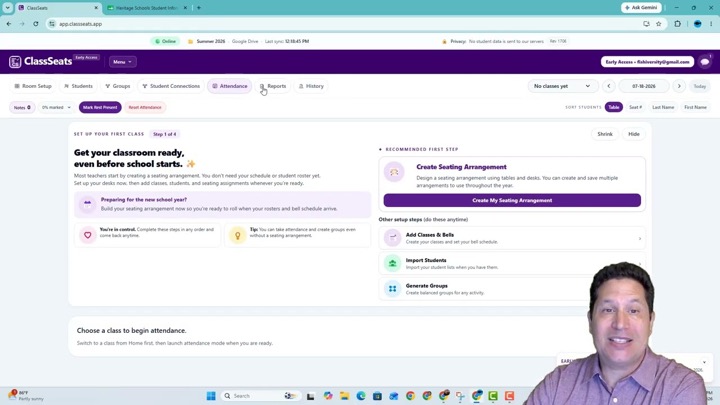
Start with the essentials
Begin with a tour, then set up your room and first class.
 2:22
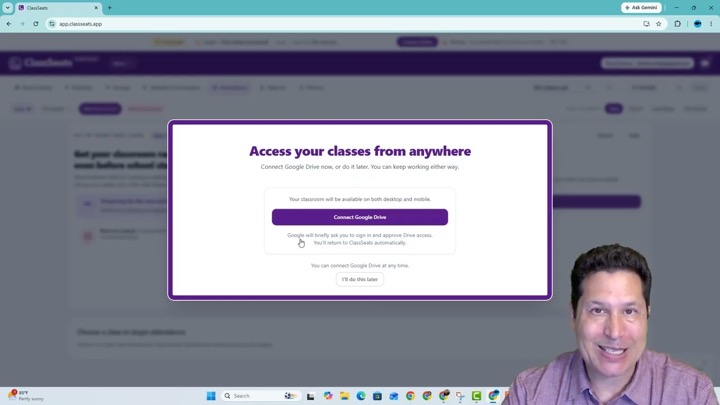
Signing In to ClassSeats
Get into ClassSeats and make your first choices.
Watch video
1:58
Interface Orientation
Find the main tools in the ClassSeats workspace.
Watch video
 4:43
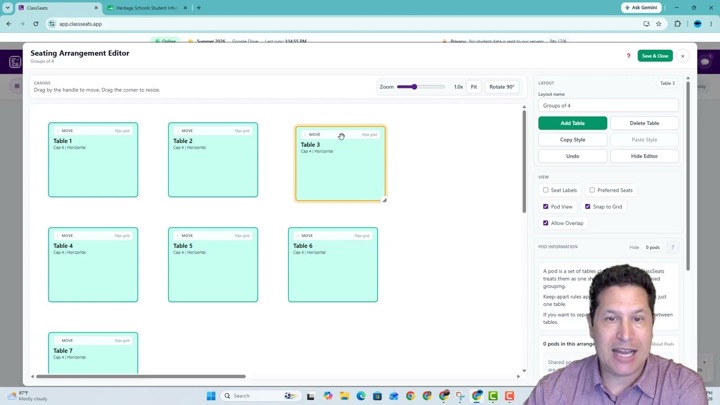
Seating Arrangements
Shape your room layout before placing students.
Watch video
 3:09
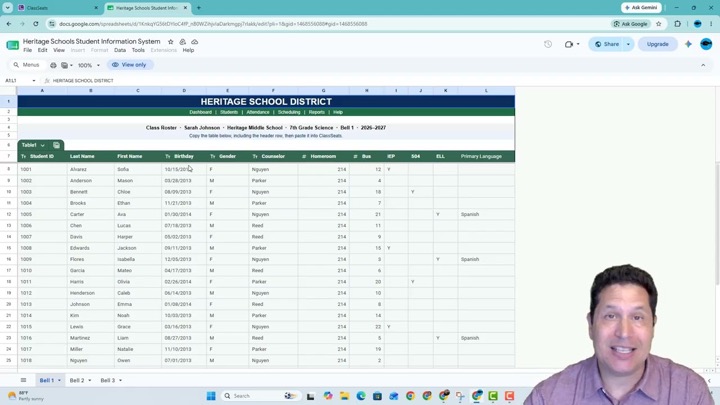
Importing Students — No Tags
Bring a class list into ClassSeats.
Watch video
 3:10
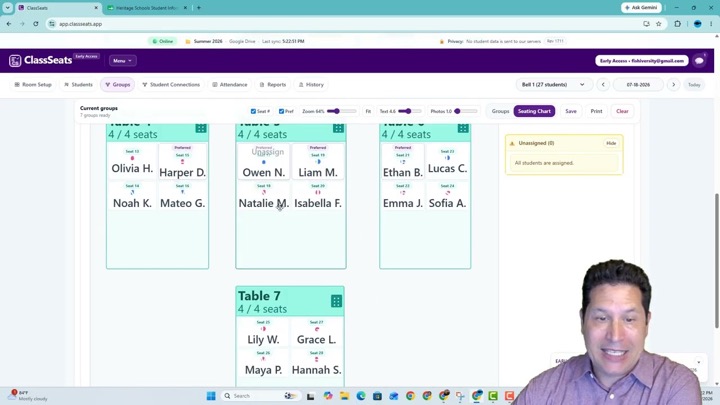
Generating Your First Group
Turn your setup into a first seating chart.
Watch video
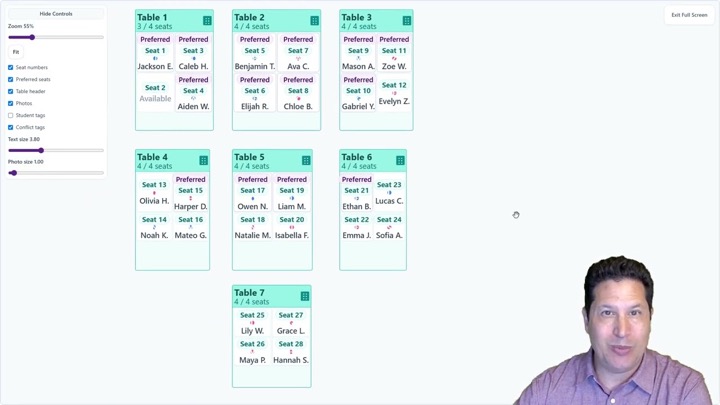
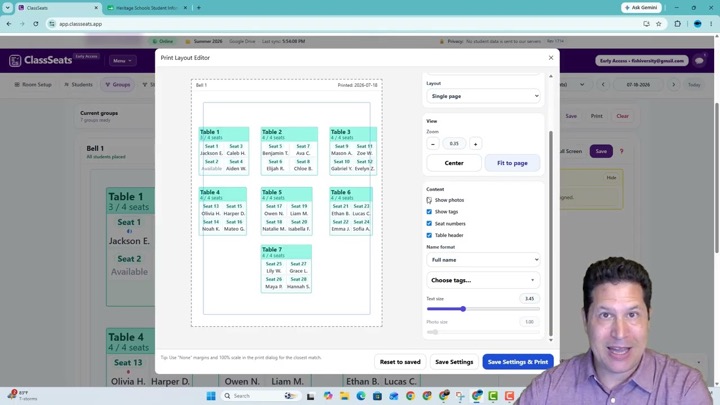
Seating and printing
See your layout clearly and make a paper copy when you need one.
Student picks and connections
Collect student input and use it when you make groups.
 2:17
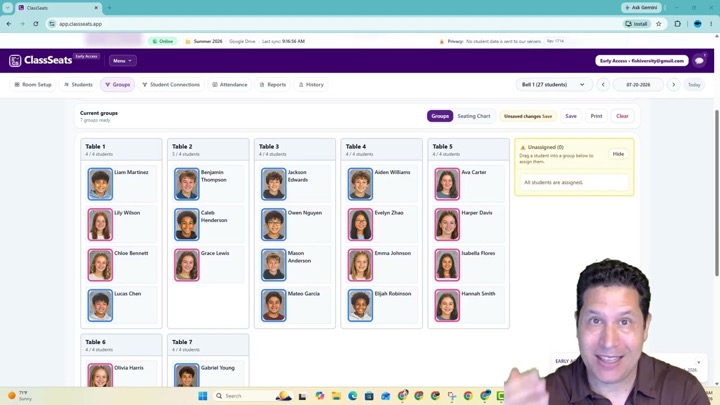
Keep Apart and Together Groups
Set rules for students who should be together or apart.
Watch video
 3:15
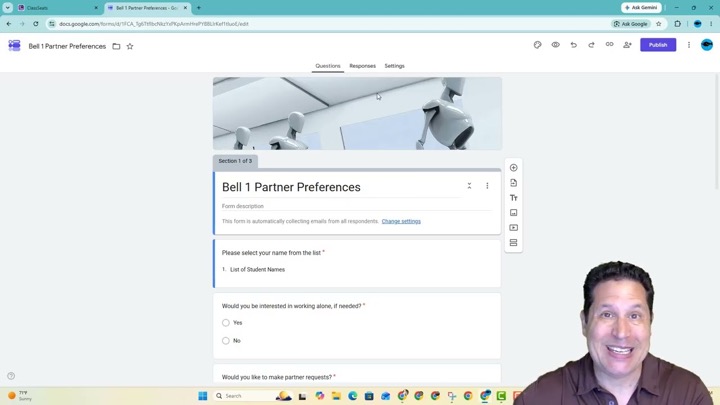
Collecting Student Picks
Ask students for their partner preferences.
Watch video
 3:16
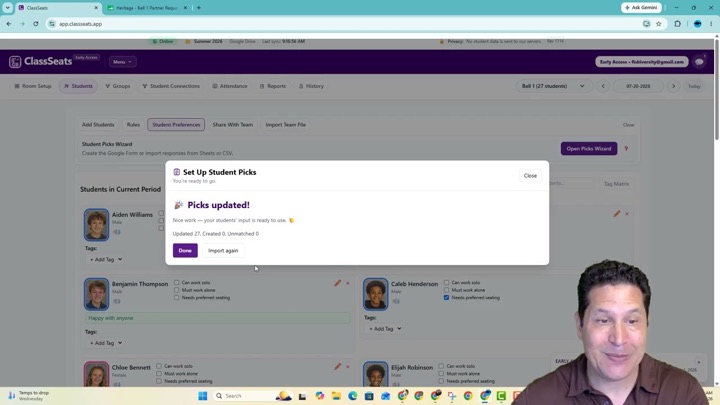
Importing Student Picks
Bring student responses into ClassSeats.
Watch video
 2:21
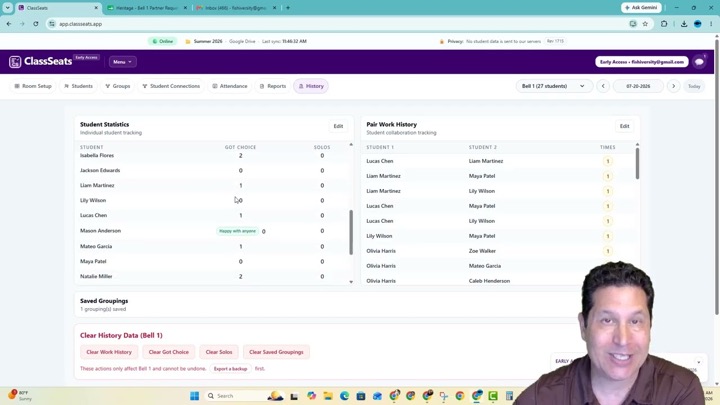
Using Student Picks in Grouping
See how preferences shape generated groups.
Watch video
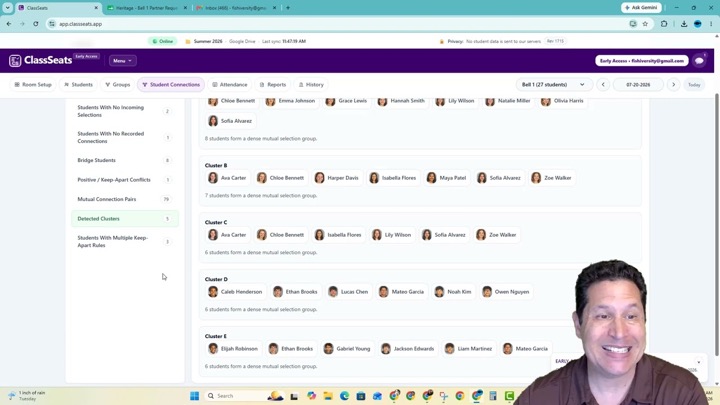 2:30
Student Connections Tab
Take a guided look at the connections view.
Watch video
Everyday classroom tools
Quick ways to recognize students and keep class moving.