How do I unassign a student from a table?
Use this when you want to remove a student from a table so they appear in the Unassigned area.
Unassign a student
- Open your seating chart (from Groups → View Seating Chart), or view the seating chart while working in Groups.
- Hover your mouse over the student you want to unassign.
- Click the Unassign button that appears on the student’s card.
-
Confirm the student appears in the Unassigned area.
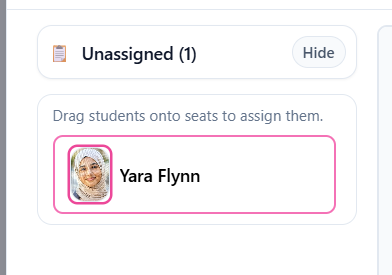
Unassigned students appear in the panel at the side.