How do I move a student to a different table?
Use this when you want to move a student from one table to another in your seating chart.
Move a student using drag and drop
- Open your seating chart (from Groups → View Seating Chart), or view the seating chart while working in Groups.
- Click and hold the student you want to move.
- Drag the student to the new table.
- Release to drop the student into the new table.
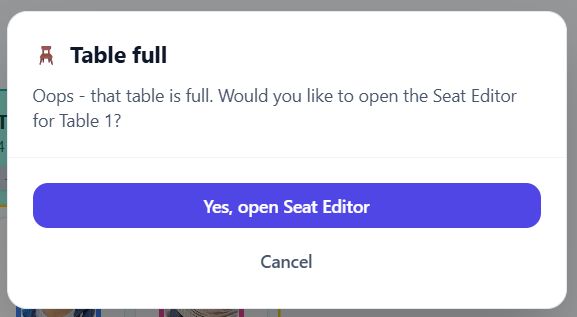
Tip: If the table you’re moving the student to has no open seats, you’ll need to unassign someone from that table or add a seat first.