How do I resize a table in a seating arrangement?
Use this when you want to change a table’s width or height in your seating arrangement template. This is a global change that affects every class using that arrangement.
Resize a table in the arrangement template
-
Go to the Room Setup tab.
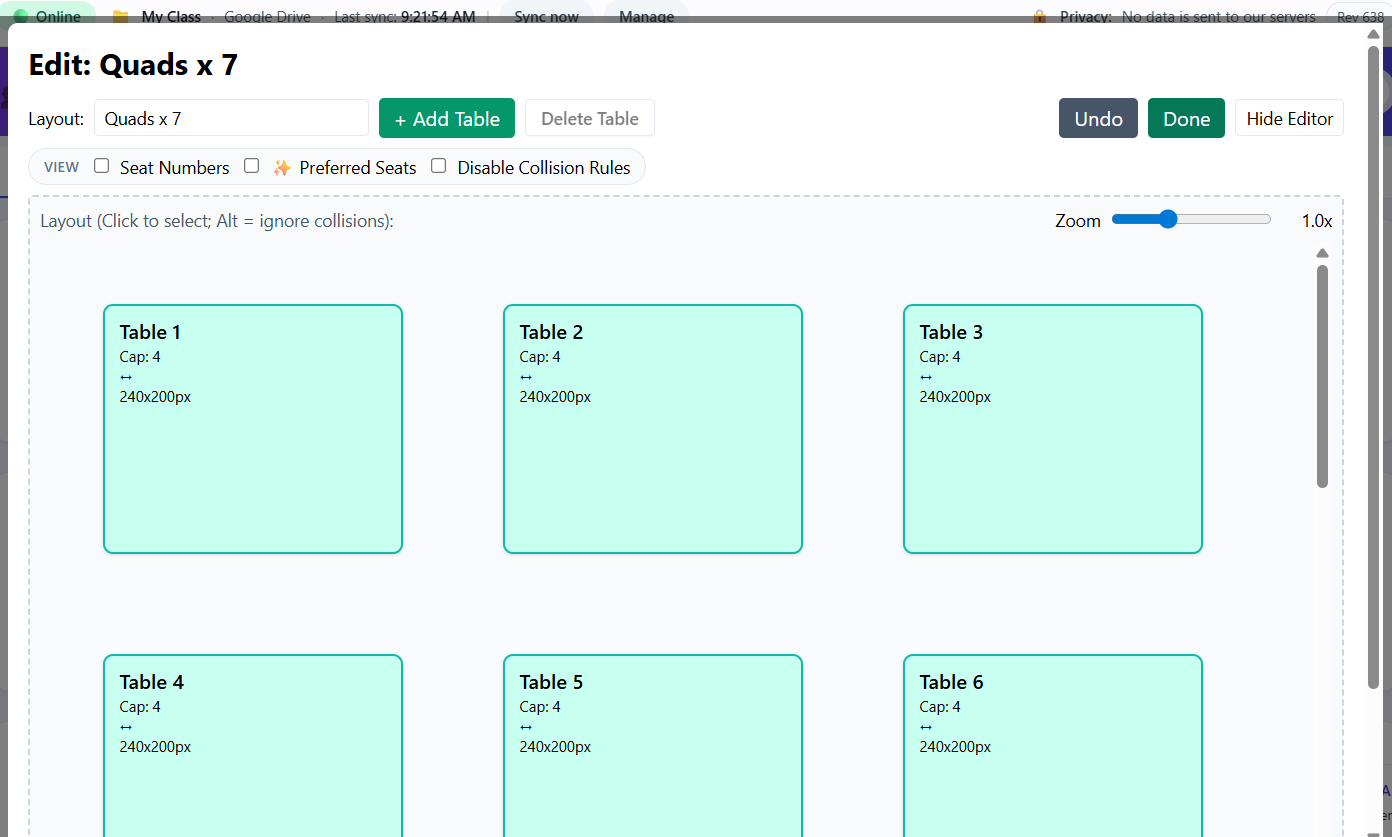
Open the Seating Arrangement Manager in Room Setup. -
Create a new seating arrangement, or click Edit on an existing arrangement.
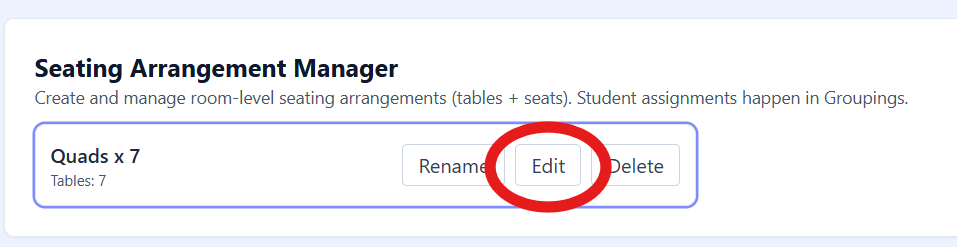
Edit the arrangement you want to resize. -
Click the table you want to resize to select it.
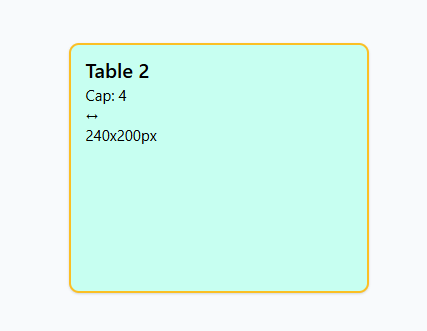
Select the table before adjusting its size. -
Use the Width and Height controls on the editor bar to adjust the table size.
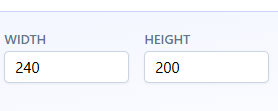
Use width and height controls to resize tables. - Click Done to close and save the seating arrangement.
Tip: Tables have a minimum size based on table capacity, so the expected number of student cards can fit visually.