How do I keep students together or apart in groupings?
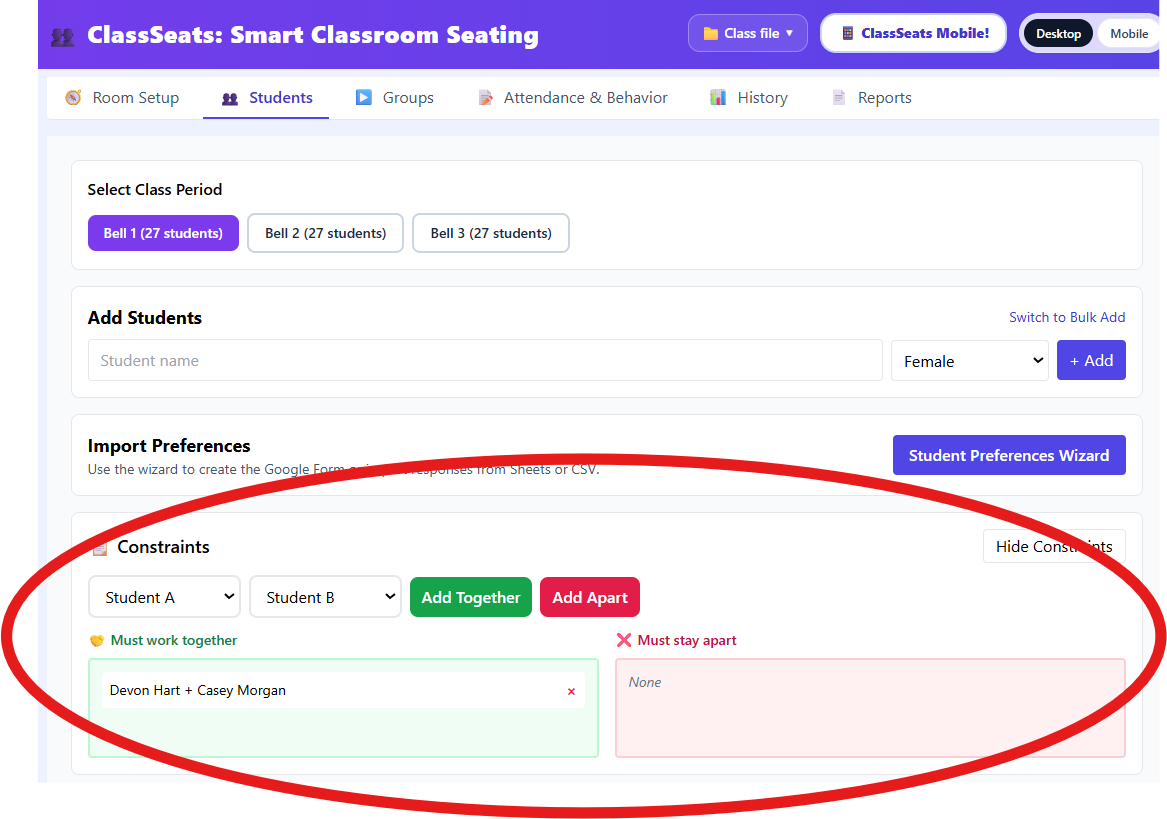
Use this when you need to force two students to be placed together (or kept apart) the next time you generate groups.
Add a constraint
- Click the Students tab.
- Select the class period you want to work with.
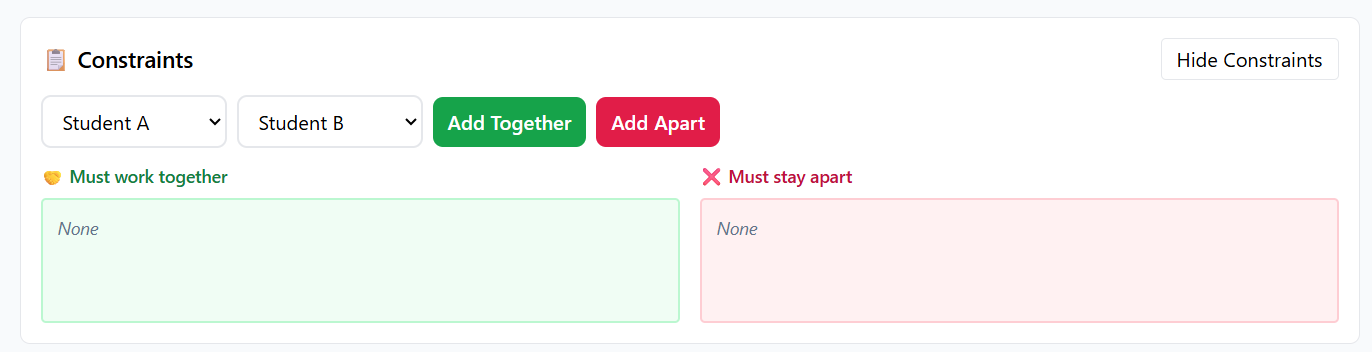
- In the Constraints section, choose Student A and Student B.
-
Choose one:
- Add Together to keep the two students together
- Add Apart to keep the two students separated
- Confirm the pair appears in the list below (Must work together or Must stay apart).
Remove a constraint
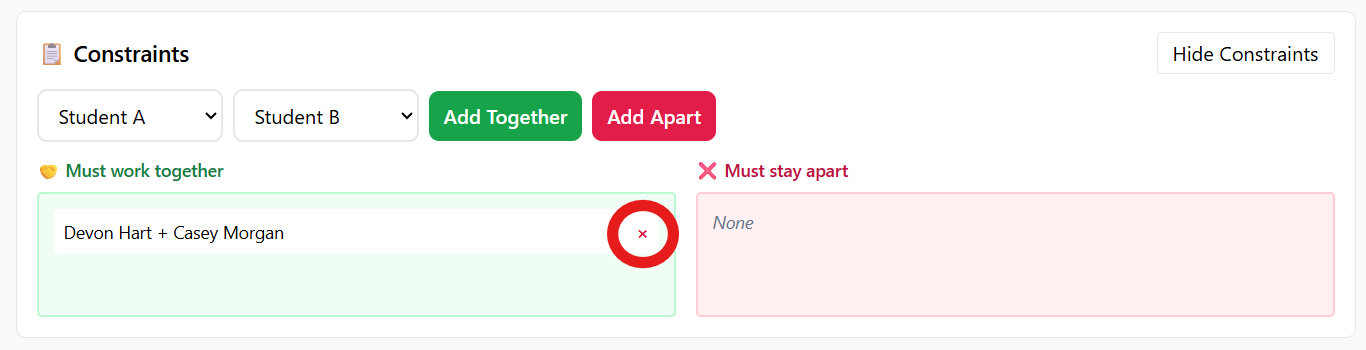
- Find the pair you want to remove in the list.
- Click the X next to the constraint.
Tip: Constraints affect group generation. If your groups are already created, regenerate groups to apply the change.